
Images and Videos of Google Course Tools
About this Tool
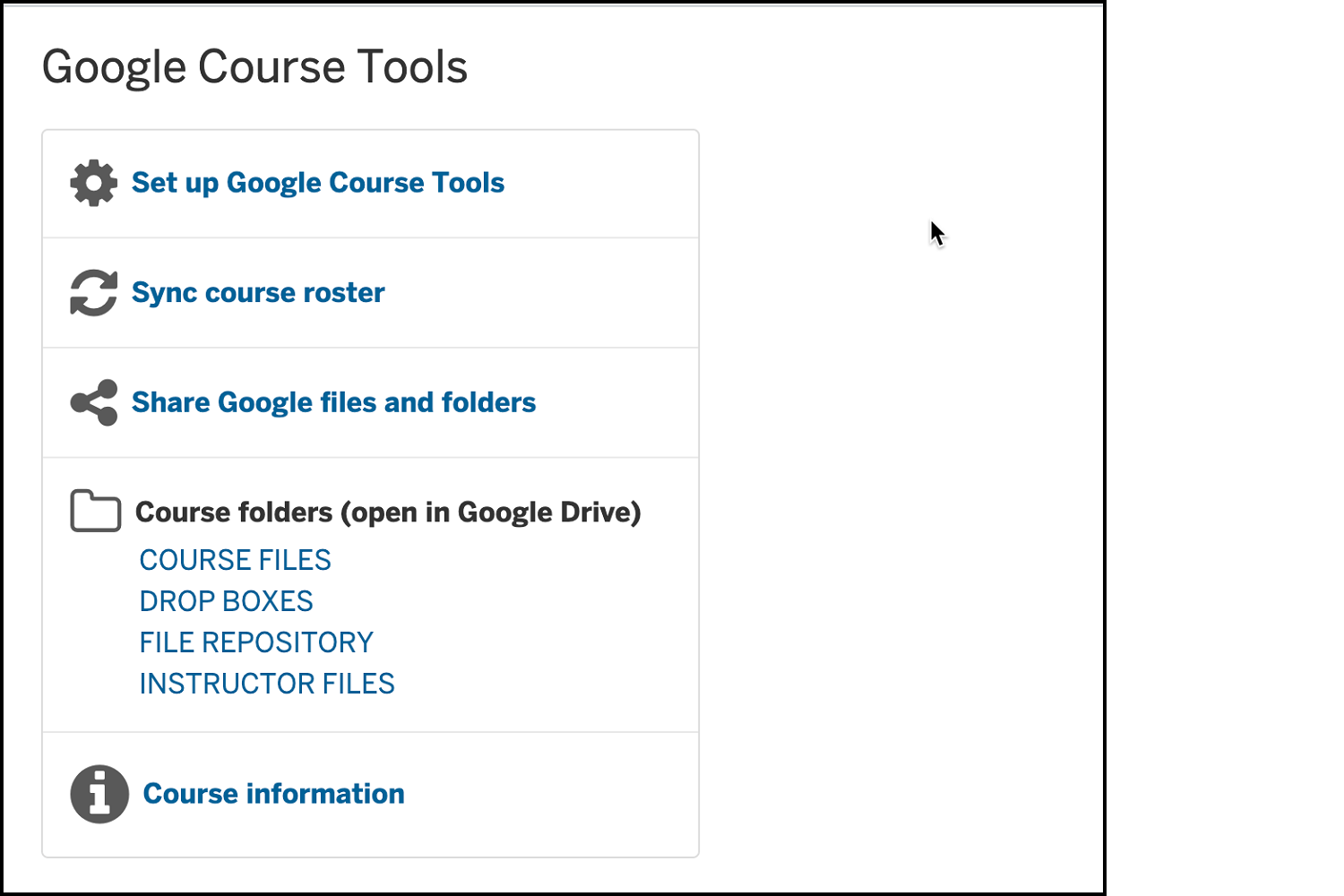
Google Course Tools is an external app that helps you integrate Canvas with Google at IU. This tool facilitates sharing and collaboration among class members by creating a collection of folders for the course in Google Drive and two Google groups for managing permissions on the folders.
IMPORTANT: Due to recent updates in Google Drive's permissions model, UITS has taken Google Course Tools offline and plans to permanently retire the application. UITS recommends Microsoft Class Notebook for functionality comparable to Google Course Tools.
Key Features for Teaching and Learning
- Create shared folders for different purposes. Options include an instructors-only folder, a folder for sharing course materials with the entire class, student drop box folders, and a file repository for anyone in the class to share.
- Customize permissions for TAs and Designers. You can determine whether TAs and Designers can access and can view protected content such as student drop box and instructor-only materials
- Help students share content with classmates. In folders where they have read/write permissions, class members can create new Google files, upload files from their local device, or select existing Google files to share with everyone who can access the parent folder.
- Get roster syncing with Canvas. The membership of the Google Groups associated with the course is synchronized with the Canvas roster on a nightly basis, but you can also initiate a manual roster sync at any time.
Keywords
Categories
Similar tools
Microsoft Education app.
Availability
- This tool is available for Faculty
- This tool is available for Staff
- This tool is available for Students
- This tool is not available for Guests
- Available university-wide, across all campuses
Cost
No additional cost
Privacy, accessibility, and other information
-
Integrated into Canvas.
Available as an external tool in Navigation.